






Search what's inside
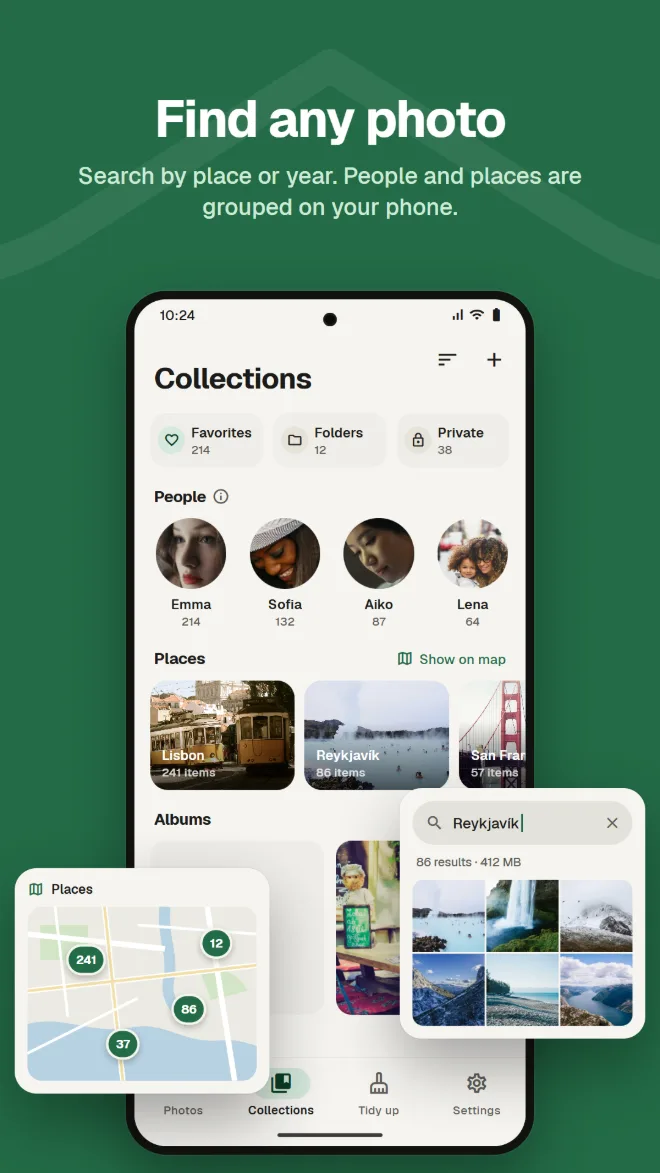
Find photos by place, by what's in them, or by text in the picture.
Gallery, cleanup, AI editing, private storage, backup and moving from Google Photos. With Kura, you don't need a different app for each.
Android 11 or later · Browsing, sorting and deleting are free · Sign in with Google
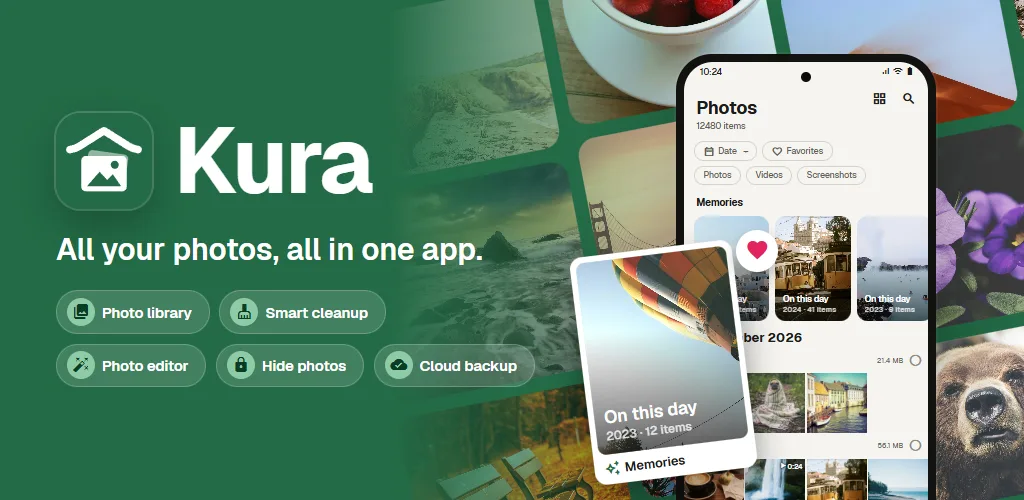
A gallery to look at them, a cleaner to free up space, another app to edit, another service to back up. Every switch means finding the same photo again.
Kura does all of it in one library.
View, clean up, edit and back up the same photos, in the same place.
 With Kura
From the library to cleanup, editing, moving and backup.
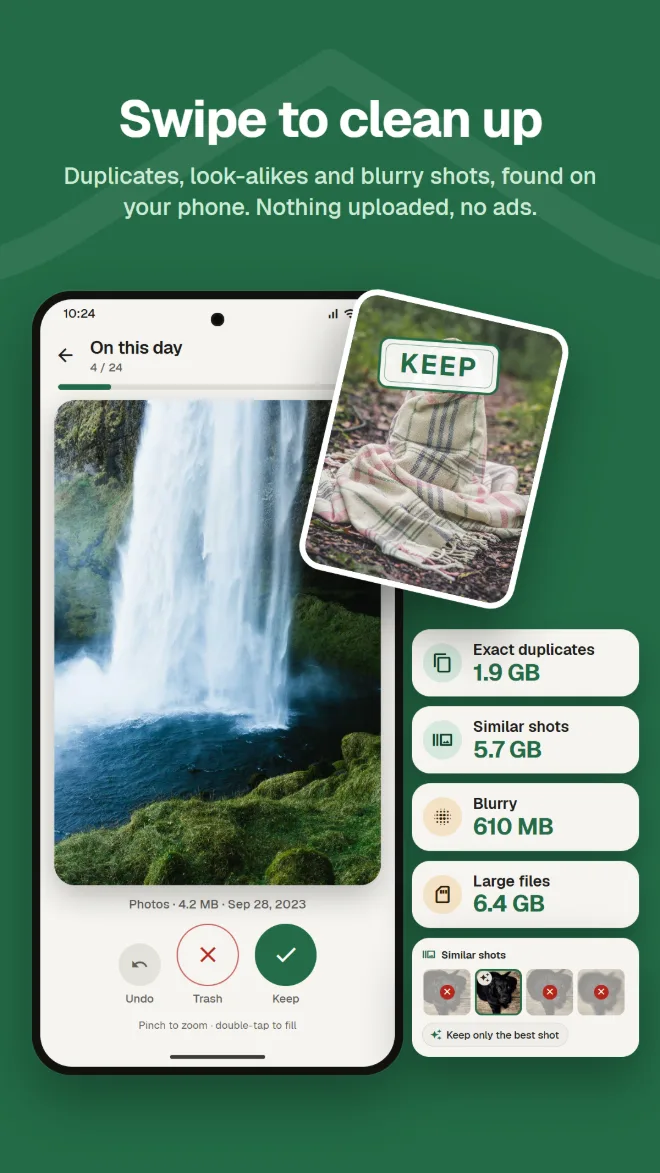
Kura finds exact duplicates, similar photos, blurry shots and large files on your phone. Swipe right to keep, left to trash, and see right away how much space you can free.
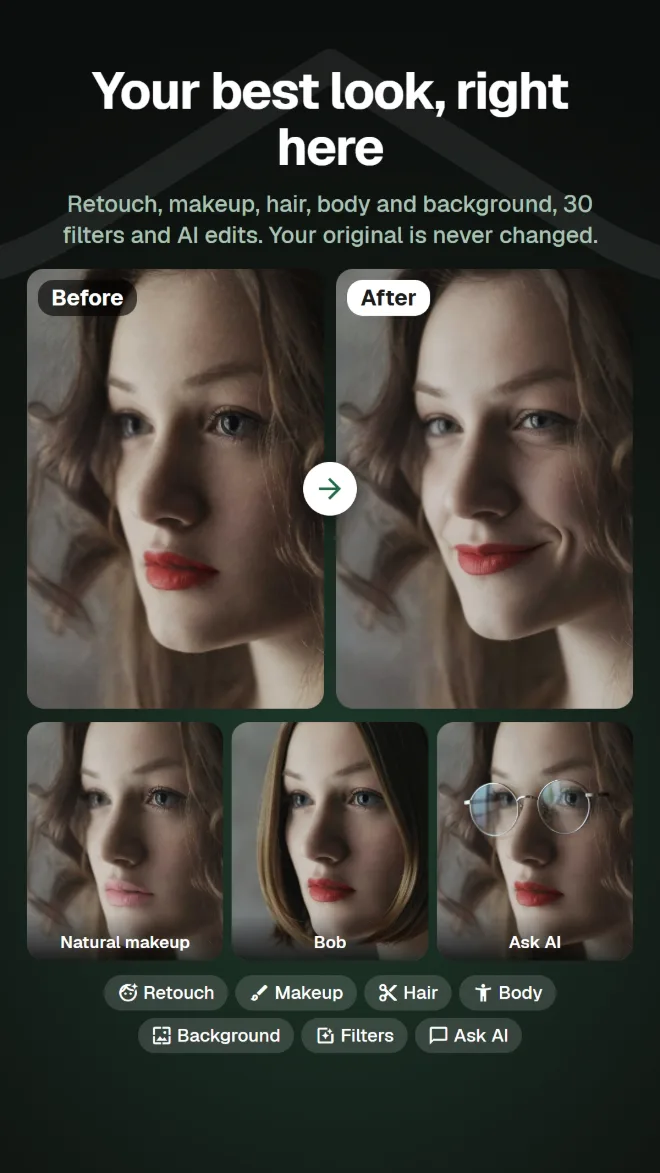
Retouch, reshape, makeup, hair and background, plus 30 filters, adjustments and crop. There are filters that make dishes look delicious and body tools for your whole figure. You always save a copy, so the original stays as it was.
A grid by date, with memories from the same day in past years. Search by place, by what is in the photo or by text inside it, and faces are grouped by person on your phone.
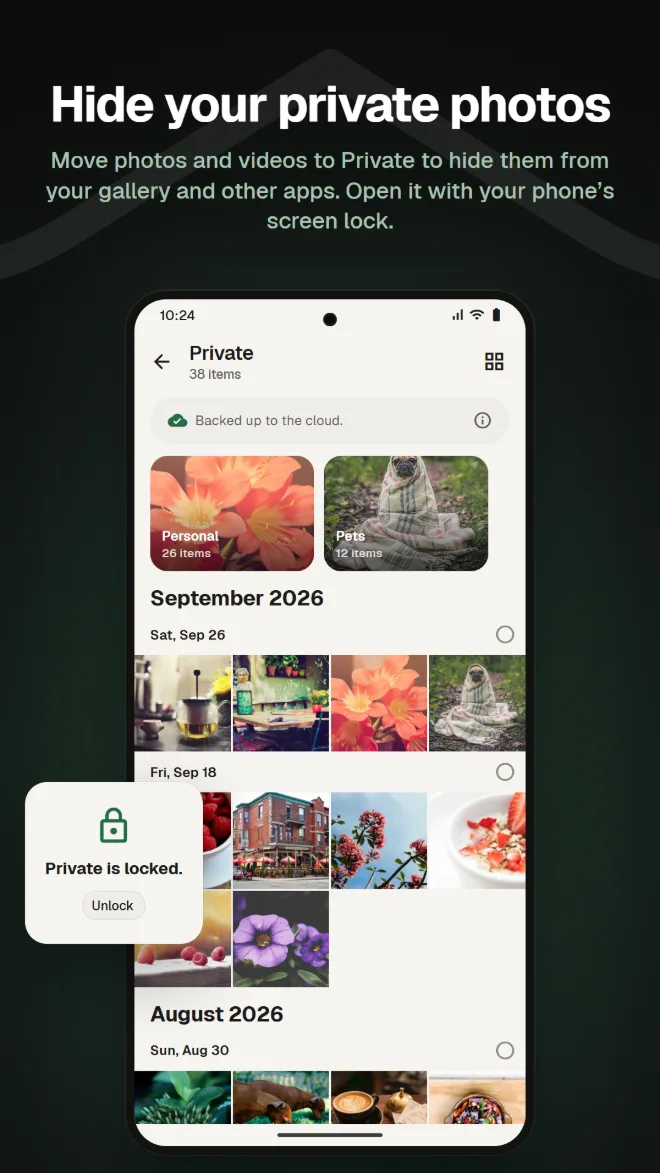
Move photos and videos to Private to hide them from your gallery and other apps. Open it with your phone's screen lock.
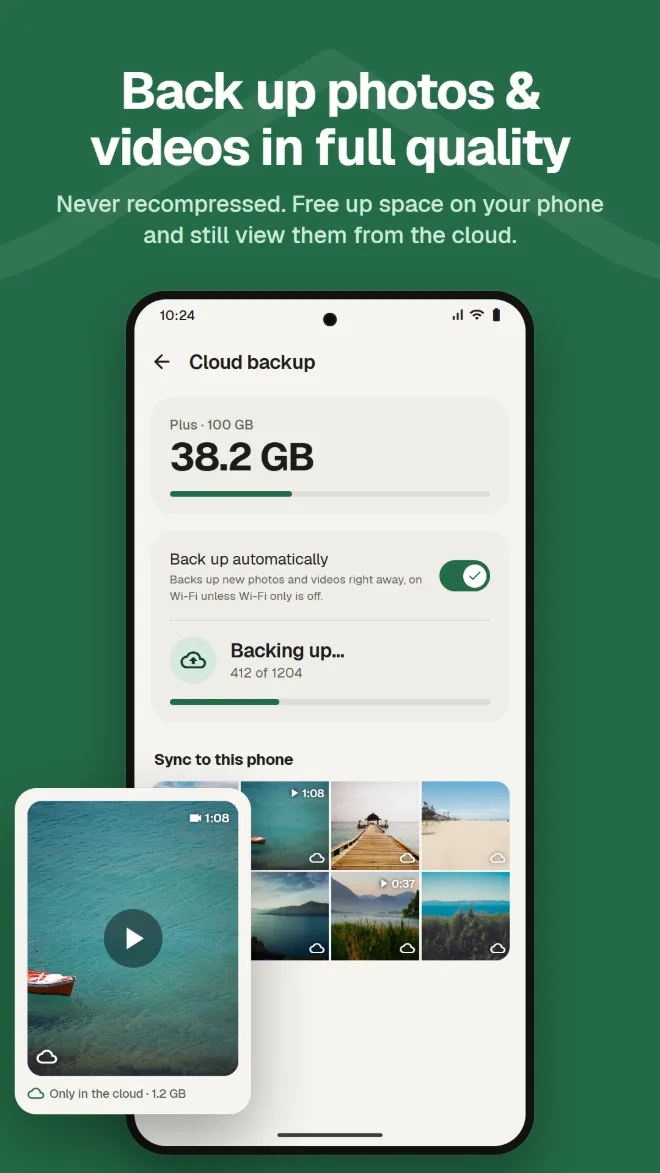
Back up photos and videos with no recompression. Remove backed-up copies from your phone to free up space; they stay viewable from the cloud.
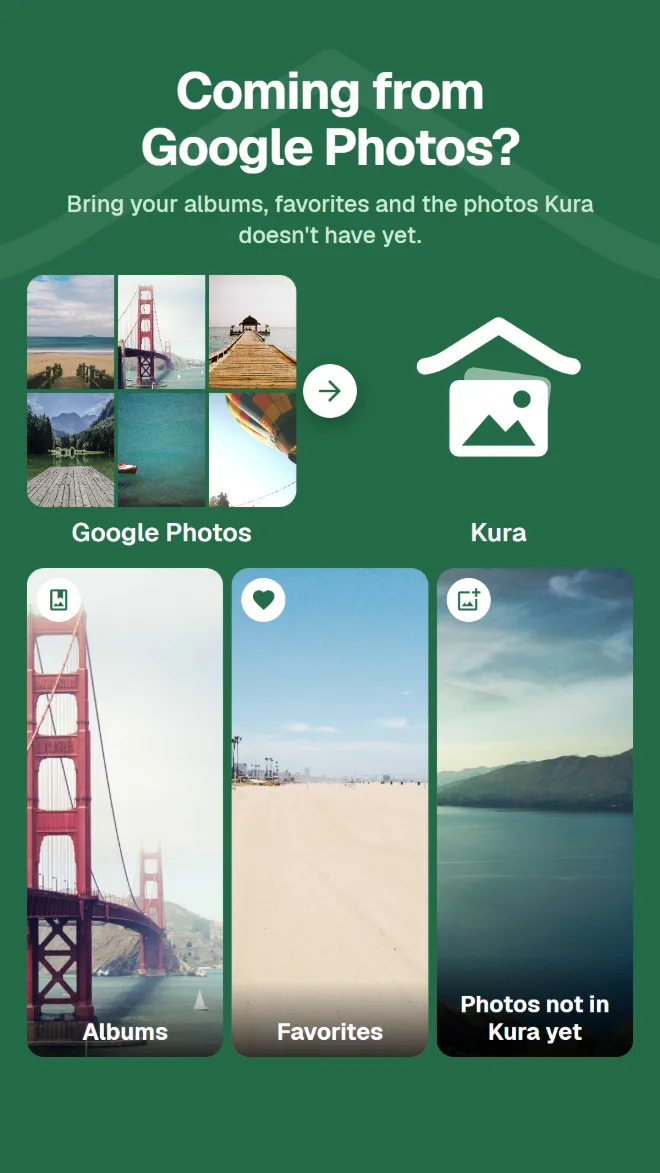
Just send your Google Takeout .zip from the app or the web app. Kura brings over your albums, favorites and the photos it doesn't have yet. Kura's server unpacks it in the background, so you can close the app and the browser.
Photos in your Kura cloud can be viewed, organized, cleaned up, edited, shared and uploaded in the web app, just like in the app. Favorites stay in sync with the app.
Open the web appSign in with Google · English and Japanese
All you'd expect from the gallery you use every day.
Find photos by place, by what's in them, or by text in the picture.
Faces grouped by person on your phone, and your photos on a map.
Photos from the same day in past years, at the top of your library.
Brightness and color adjustments, crop and brush, plus filters for food.
Add an expiry date and a password, and send to people without the app.
Confirm with your screen lock each time you open it. You can also hide Private.
Install it and your photos appear, already organized.
Get it on Google Play (Android 11 or later)
Choose "Allow all" to load your whole library
Sign in with your Google account
Sort right away; add backup when you need it
No ads. You only pay when you use the cloud.
Everything on your phone
Billed monthly through Google Play. Cancel any time
Google Play shows prices in your local currency.
Photos leave your phone only when you do something that clearly sends them somewhere.
Duplicate, blur, face, object and text detection run on your phone. No photo is uploaded to be sorted.
Android asks you before any file is deleted, and trashed photos wait in the trash until you empty it.
When you sign in, our server keeps only your Google account's ID. Your name and email address are never sent.
AI edits send only the area around the face, and neither the photo nor the result is kept on the server.
No ads · Browsing, sorting and deleting are free